
Look Inside PetAi Before You Buy: A Walk Through the Console on pet-ai.si
You can click through the real PetAi console on pet-ai.si without signing up. We walk you through the pages worth opening and what to look for before you spend any money.
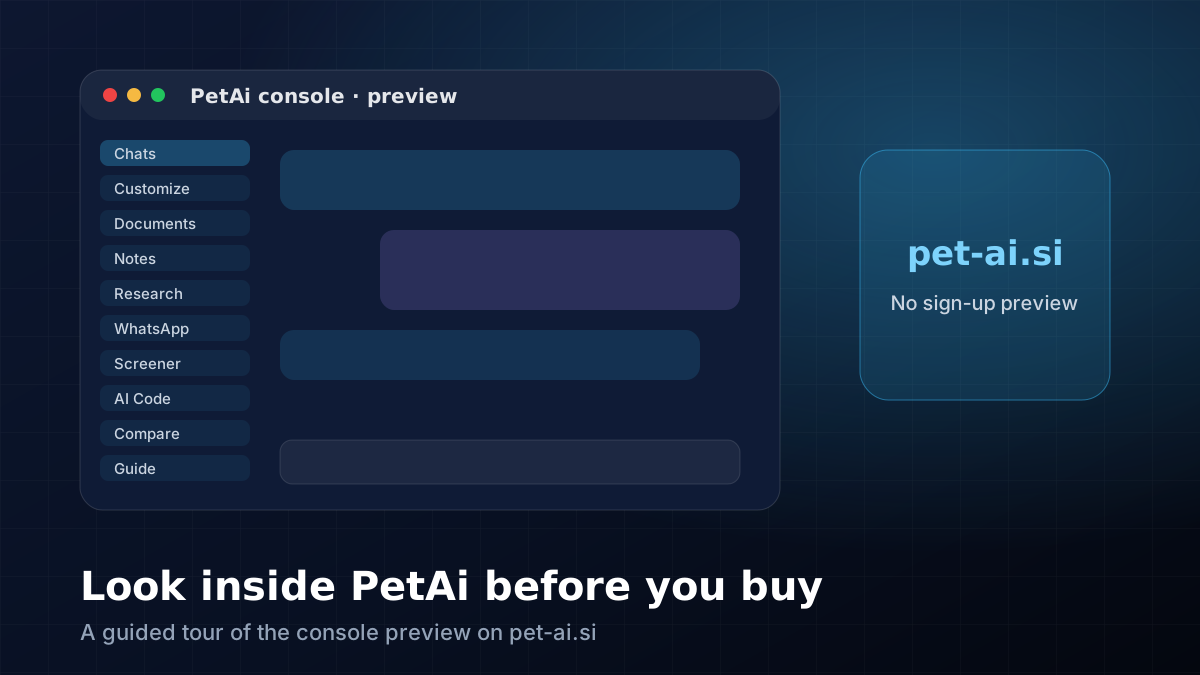
If you're thinking about PetAi, your first question probably isn't the price. It's "What does it actually look like when I open it?" Fair question. A screenshot on a sales page only tells you so much, and PetAi isn't refundable, so we'd much rather you see it properly first.
That's why we put a preview of the real console on PetAi's own website, pet-ai.si. No account, no form, no e-mail. You open it in your browser and click around. Nothing you type is sent anywhere or saved.
Open it in a second tab#
Go to pet-ai.si/console and keep this article open next to it. If you'd rather look at pictures first, the tour page has a screenshot of each part with a line or two about what it does.
One thing to keep in mind: this is the console's layout, not the app itself. PetAi runs on your own Windows PC, so on the website the buttons show you where things are and what they're for, but the AI won't answer you there.
Where we'd start#
Start with Chats, because that's where most people spend their time. You say what you want done and PetAi suggests models that can do it. Then look for the little floating bubble. That's the PetAi Agent, the helper that can read what's on your screen, draft a document or run a few steps for you. Whenever it's about to do something risky, it stops and asks you first.
After that, open Customize. It looks busy, but it's mostly switches: data sources, skills, connectors and plugins. Connectors are your own accounts (Gmail, GitHub and so on), and the logins stay on your PC.
The rest of the left menu is easier to understand by just clicking: Documents, Notes, Research, WhatsApp, Schedule, the stock Screener, AI Code, Compare and the Guide. Spend a minute on each. You'll get a feel for whether PetAi fits the way you work much faster than by reading a feature list.
A small test before you decide#
Write down three things you'd actually use PetAi for this month. Not ten. Three. Something like "keep my trading journal", "write Hindi captions for reels" and "make a one-page website for my uncle's shop". Then find where each one would happen in the console. If you can't find a home for one of them, message us and ask. Sometimes it's there under a different name, and sometimes PetAi just doesn't do it yet.
Also check the Windows compatibility table on our PetAi page. Chat, coding, documents and the trading tools are fine on most 64-bit Windows 10 (1809 or newer) and Windows 11 PCs with 4 to 8 GB of RAM. Making images or videos on your own machine is a different story and needs an NVIDIA graphics card.
If it still looks right for you after all that, the pricing is on our PetAi page: ₹24,999 one time for the Personal Licence, with free updated versions for four years, or ₹44,999 for the Developer Licence if you want to resell it.
🧮 Size your next trade with the free position size, risk-reward and lot size & margin calculators.
Comments
Loading comments…