
Private AI on Your Own PC: What Stays at Home with PetAi, and What Doesn't
PetAi runs on your own computer, which changes where your chats and files live. But privacy claims are easy to overstate, so here is the full picture, including the parts that still go online.
Plenty of people like using AI to draft letters and plans, but don't love the idea of client names sitting on someone else's server. "Can I just keep it on my own computer?" Mostly, yes. That question is a big part of why PetAi works the way it does.
Most chatbots live in a browser tab, and your conversations are stored in your account on the company's side. PetAi is an app on your own Windows PC instead. That sounds like a small difference. It isn't, but it's also not magic, so let's go through it properly.
What stays on your computer#
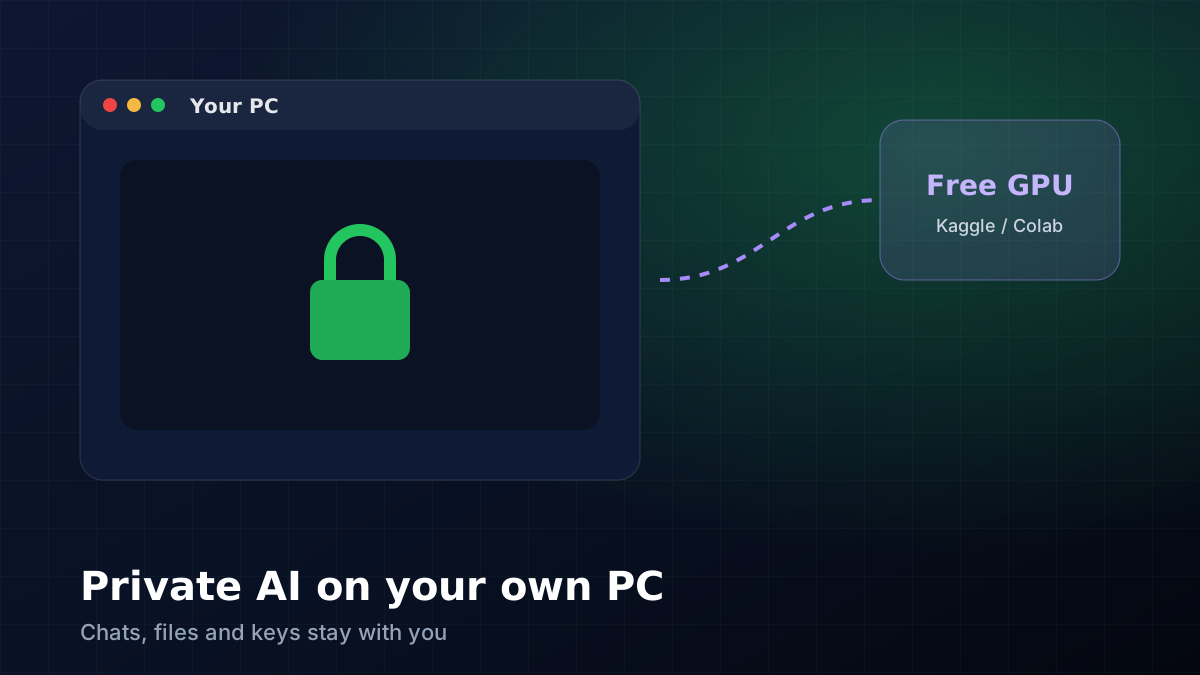
Your chats and the documents you make are saved in PetAi's folders on your PC, not in an account on our website. Your API keys for providers like OpenRouter or NVIDIA are kept on your PC too. So are the logins for any connectors you switch on, like Gmail or GitHub.
You can also give each job its own project with its own folder. When the helper works on that job, it stays inside that folder. If you've ever worried about an AI tool rummaging through your whole Documents folder, this is the setting you'll want.
What still goes online#
Here's the part people sometimes skip. If you pick a cloud model, say Claude, GPT or one of the free models through OpenRouter, the message you send goes to that provider. Their privacy rules apply to it, not ours, and PetAi can't change that.
If something really must stay on your machine, choose a local model that runs through Ollama on your own PC. It'll be slower, and on an ordinary laptop it won't be as clever as the big cloud models. But nothing leaves your computer. We switch between the two all the time: local for anything with a client's name in it, cloud for general questions and code.
When your PC isn't powerful enough#
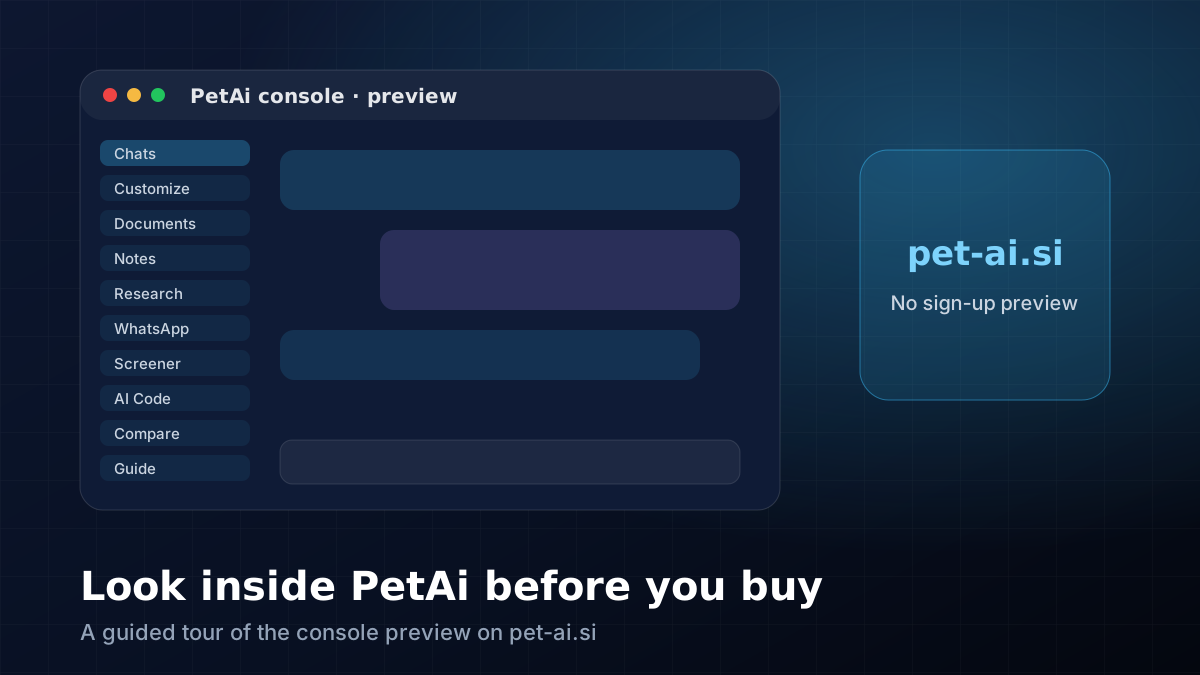
Bigger open models want a serious graphics card, which most of us don't have. PetAi can link to a free online GPU, like a Kaggle or Google Colab notebook, and let the bigger model answer from there. Free notebooks do switch off after a while. When that happens, PetAi quietly goes back to answering on your own PC. You can find this under Settings in the console preview on pet-ai.si.
A few switches we're glad exist#
The helper asks before it does anything risky, like deleting files or sending a message. On the markets pages, real orders are off until you turn them on yourself, and there's a paper account to practise with. And if you build your own PetAi.exe with your logo, your keys only go into it if you choose to put them there.
🧮 Size your next trade with the free position size, risk-reward and lot size & margin calculators.
Comments
Loading comments…