
WhatsApp Messages One by One with PetAi, Without Turning into Spam
PetAi can send a message, photo or video to people you choose, one at a time, with their name in it. It's handy for students and customers. Used on strangers, it will get your number blocked. Here's how we use it.
If you run a small business in India, your customers are on WhatsApp. Ours are too. It's where people ask about timings and send screenshots, and it's where a reminder actually gets read.
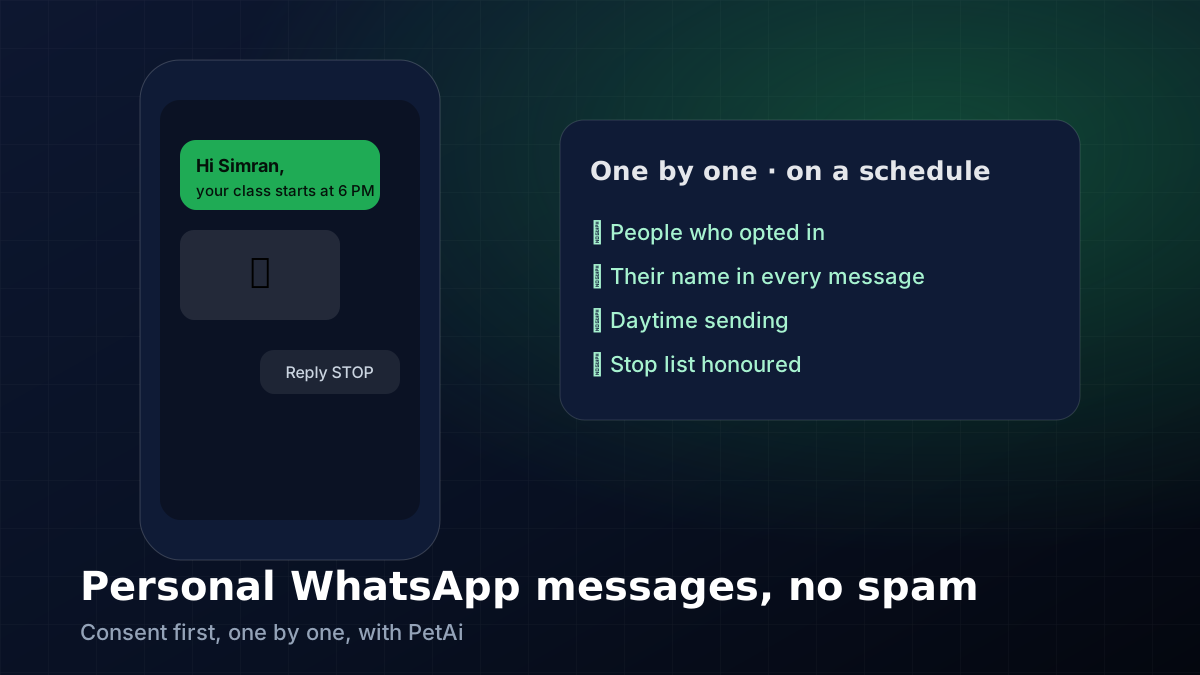
PetAi has a WhatsApp page that sends a message, with a photo or short video if you want, to a list of people you pick. It goes one by one, either right away or at a time you set, and each message can start with the person's name. It's meant for things like class reminders and update notes. Before you think about using it for anything bigger, read the next bit.
How to do it properly#
Start with the list, not the message. Everyone on it should have bought something, sent an enquiry, or ticked a box saying they want course. Keep a note of when each person agreed. It feels like overkill until the day someone asks "how did you get my number?" and you can answer straight away.
Then write one message that's worth reading. A class moved to 6 PM. A new lesson is up. The office is closed for Diwali. Put the name first, say why you're writing in the first line, and finish with "Reply STOP if you'd rather not get these." Anyone who replies STOP should come off the list that same day.
Photos and short clips are fine when they help. A 40 MB video to two hundred people isn't, and it'll take forever anyway. And schedule for daytime. Nobody wants a business message at 11:30 at night.
Where to find it#
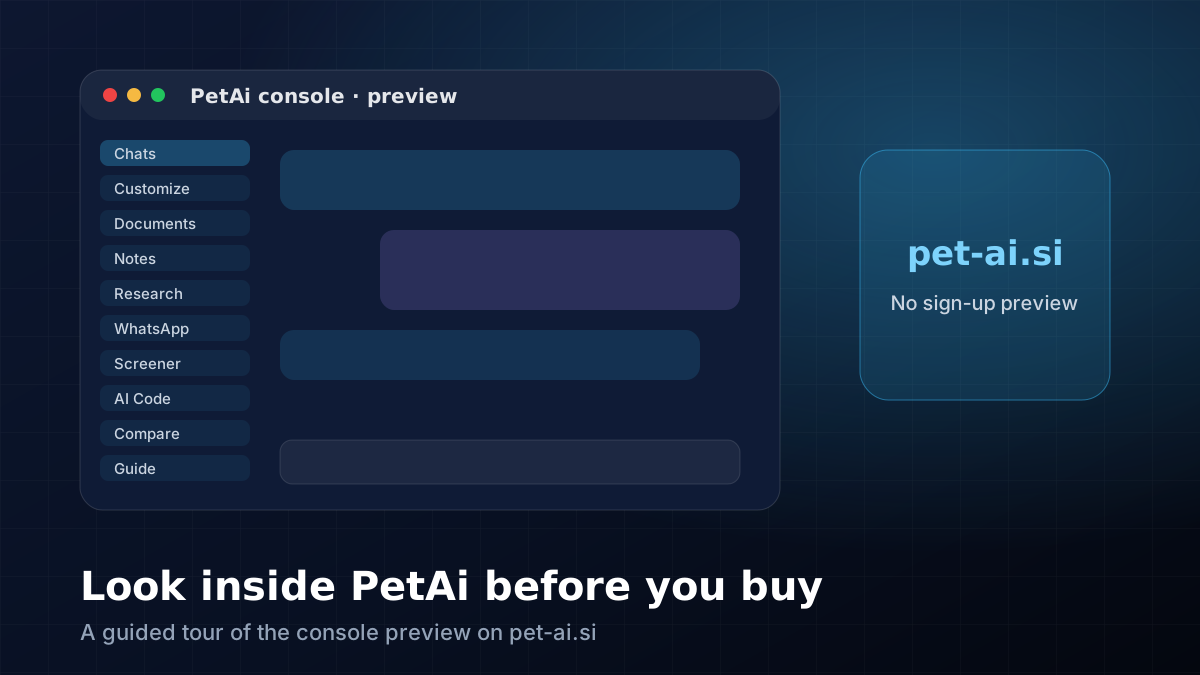
Open the console preview on pet-ai.si and click WhatsApp in the left menu. You'll see the recipient list, the message box with a spot for the name, the attachment button and the send-now or schedule choice. It's also on the tour page if you'd rather see a picture.
It works nicely with the rest of PetAi, too. Draft the message in chat (often in Hindi or Punjabi as well as English), keep the opt-in notes in Notes, and put weekly reminders on Schedule so nobody has to remember on a Monday morning.
🧮 Size your next trade with the free position size, risk-reward and lot size & margin calculators.
Comments
Loading comments…