
Trading Indicators and Expert Advisors (EAs): What They Can and Cannot Do for You
Indicators and EAs are tools, not money machines. Learn what they really do, how to back-test and forward-test an Expert Advisor, the settings that protect your account, and the red flags of EA sellers.
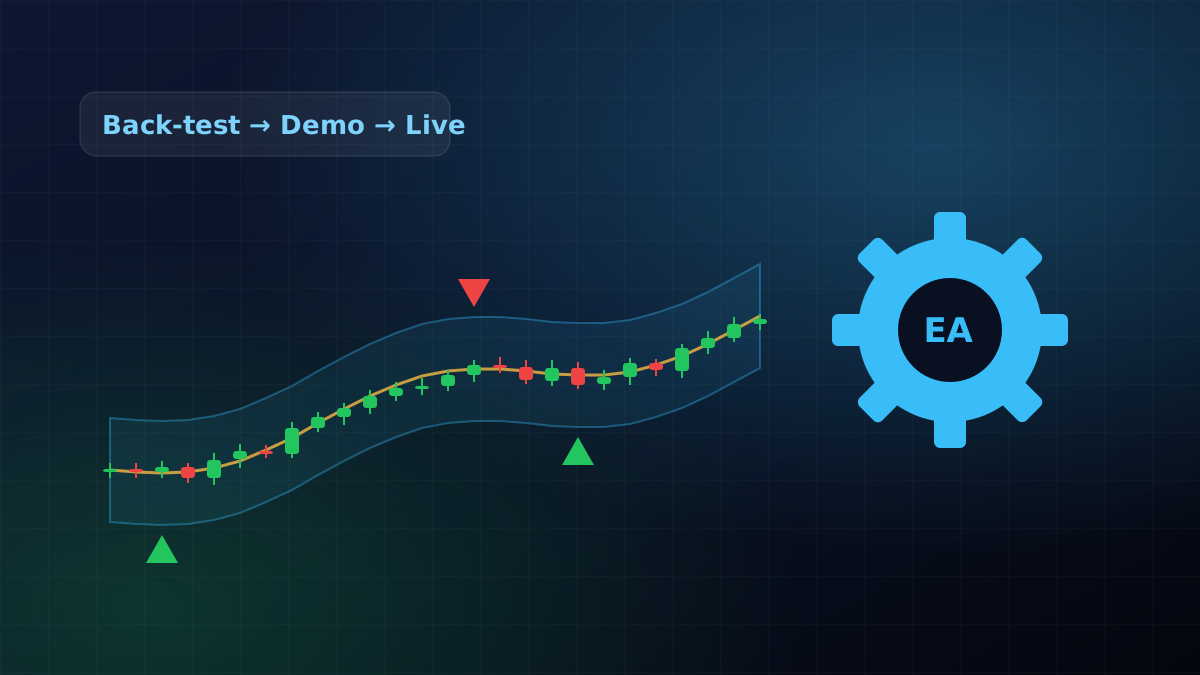
Search for "best indicator" or "profitable EA" and you will find screenshots of perfect equity curves. Real trading looks different. Indicators and Expert Advisors can save time and remove emotion, but only if you understand their limits. This guide explains both, and how to test any EA before it touches real money.
What an indicator actually does#
An indicator is a formula applied to price (and sometimes volume). A moving average smooths price; RSI measures how fast it has moved; bands show how far it usually travels. Every indicator is built from past prices, so every indicator lags. It cannot see the future. It can only describe what price has been doing in a cleaner way.
Used well, indicators help you:
- Filter: only take long trades when the higher-timeframe trend is up.
- Time: wait for a pullback into a zone instead of chasing a candle.
- Stay consistent: draw stops and targets the same way every time.
Used badly, they become a crutch: five indicators on one chart that disagree with each other, and a trader who waits for a perfect signal that never comes.
What an Expert Advisor (EA) is#
An Expert Advisor is a program for MetaTrader 4 or MetaTrader 5 that places and manages trades automatically, following fixed rules. It can watch the market 24 hours a day, five days a week, and it never hesitates or revenge-trades. But it also never thinks: it will follow its rules straight into a market condition they were not built for.
An EA needs MetaTrader running all the time, either on your own PC or on a VPS (a rented computer in a data centre), with a stable internet connection.
How to test an EA properly#
- Back-test on several years of data in the MT5 Strategy Tester, with realistic spreads and commissions. Look at the maximum drawdown, not just the profit.
- Keep some data aside. Tune the settings on one period, then test them on a later period the EA has never seen. If results collapse, the settings were fitted to the past (overfitting).
- Forward-test on a demo account for four to eight weeks. Live spreads, slippage and news spikes behave differently from a back-test.
- Go live small. Start with the smallest lot size your broker allows and increase only after the live results look like the demo.
The settings that protect your account#
Whatever EA you use, these controls matter more than the entry logic:
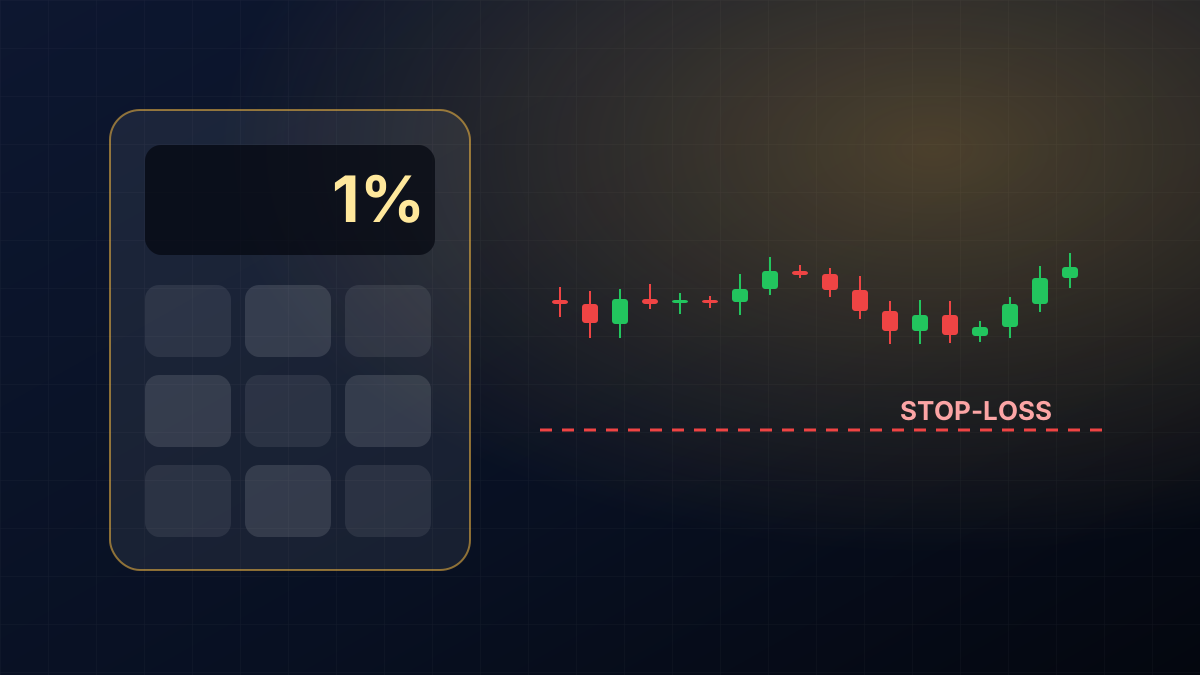
- Lot size or risk per trade: keep risk at about 1% of the account per trade.
- Maximum open trades: stops the EA from stacking positions in a strong move against it.
- Daily loss limit: the EA stops trading for the day after a set loss.
- News filter: pauses trading around high-impact releases.
- Spread protection: skips entries when the spread is unusually wide.
Red flags when someone sells you an EA#
- "Guaranteed", "no loss" or "100% win rate". No honest seller can promise this.
- Only back-test screenshots, no verified live or forward-test history.
- Hidden martingale or grid logic: doubling the lot size after every loss looks smooth for months, then wipes out an account in one bad trend.
- No stop-loss on individual trades.
- Pressure to deposit with one particular broker, or to buy today before the price goes up.
How our BEST Indicators and BEST EA fit in#
The BEST Indicators (for MT4, MT5 and TradingView) draw bullish and bearish zones, a multi-timeframe trend view, and entry, stop and target lines based on volatility. The BEST EA follows a fixed set of rules with the controls listed above: configurable lot size, maximum trades, a daily loss limit, a news filter and spread protection.
We ask every member to follow the same testing steps in this article before trading live: back-test, demo forward-test, then start small. The tools are included with the Indian Market Bundle and the XAU/USD Forex Course, with installation, settings and back-testing videos.
🧮 Size your next trade with the free position size, risk-reward and lot size & margin calculators.
Comments
Loading comments…